
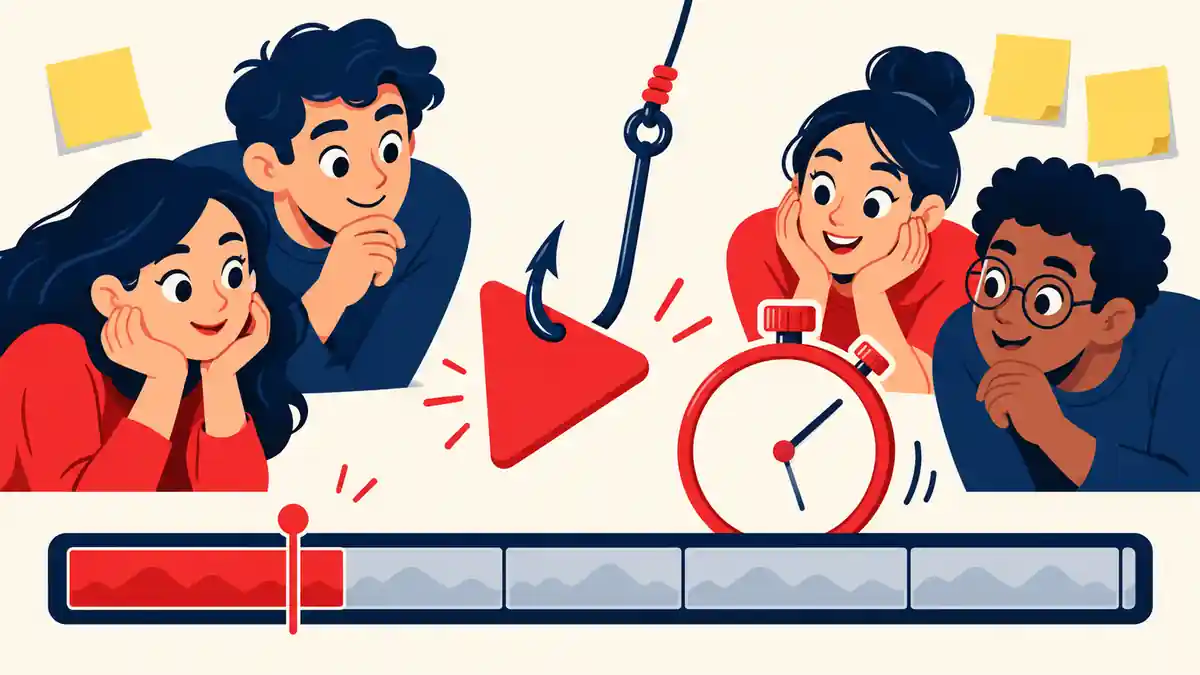
Short answer: a good YouTube hook does three jobs fast. It confirms the viewer clicked on the right video, it gives them a reason to keep watching (a question, a stake or a promised payoff), and it shows that the video will get there without wasting time. Write it after your title and thumbnail, because the hook's first job is to keep the promise they made.
(Disclosure: this guide is published by LaunchPad YT. The examples are adapted from video ideas posted on our forum, shared with the forum's permission.)
Why the first 30 seconds matter
In YouTube Studio's audience retention graph, the steepest drop on most videos comes at the very start. That's the moment viewers decide whether the video matches what the title and thumbnail promised. If it doesn't, no amount of editing later in the video helps, because they've already gone.
Studio's "Key moments for audience retention" report shows how many viewers are still watching after the intro. Compare it across your own videos: the ones with a higher number usually have a hook that gets to the point.
A simple four-part hook
You don't need a formula for every video, but this structure works for most:
- Confirm the click. Show or say the thing from the title and thumbnail, straight away.
- Set the stakes. Why does this matter, or what could go wrong?
- Promise the payoff. What will the viewer know, see or get by the end?
- Start moving. Go straight into the first beat. No channel intro, no "before we start".
For many videos, all four fit in 15–30 seconds.
Examples
These are adapted from video ideas on the LaunchPad YT forum. The scripts are illustrations, not the creators' final videos.
A challenge video
Idea: "I Booked the Cheapest International Flight I Could Find".
"This flight cost less than a train ticket across town. The rules: I book the cheapest international flight leaving this weekend, I count every cost door to door, and I have 24 hours from landing to see if it was worth it. If a £15 flight ends up costing £60, it's a fail. Let's find out."
Confirms the click (the cheap flight), sets the stakes (the hidden costs), promises the payoff (the verdict) and starts the clock.
A personal story
Idea: "Do I have AuDHD?", reframed after feedback as a story about why the creator started asking the question.
"For years I thought everyone's brain worked like mine. Then one conversation made me realise it might not. This is the moment I started asking whether I'm autistic and have ADHD, and what I've learned since. If any of this sounds familiar, tell me in the comments."
There's no shock tactic here. The hook works because it's specific (one conversation, one question) and tells the viewer what kind of video this is.
An experiment
Idea: "Can 20 Minutes a Day Beat 1 Hour at the Gym?".
"Two of my friends are doing one-hour gym sessions. I'm doing twenty minutes a day. Same six weeks, same measurements. At the end, we compare. If I lose, I've wasted six weeks; if I win, a lot of people are spending too long in the gym."
Notice that the hook includes a comparison. That came from forum feedback: without one, the video couldn't actually answer its own title.
Hook mistakes that make viewers leave
- A long intro before the point. Logos, "hey guys, welcome back" and channel updates can all come later, or not at all.
- A hook that promises something else. Teasing a dramatic moment that's only a small part of the video gets the next 30 seconds and loses the rest.
- Explaining instead of showing. If you can show the result, the place or the problem on screen, do that before you talk about it.
- No reason to stay. If the viewer already knows the ending after the hook, there's nothing to wait for. Hold the payoff back.
- Writing the hook last, in a rush. Write it before you film, so you can shoot the shots it needs.
Test your hook before you film
Read your title, look at your thumbnail, then read your hook aloud. Ask:
- Does the first sentence match the title and thumbnail?
- Is there a question, stake or payoff the viewer wants answered?
- Does it take under 30 seconds to get into the video?
- Could a stranger say what the video is about after hearing it?
The last question is the hardest to answer yourself. On the LaunchPad YT forum, the video idea template has a dedicated hook field, so other creators can comment on your hook alongside your title and plan, for free. For an important video, an experienced YouTuber's review gives inline feedback on the title, thumbnail concept, hook and script structure.
Related: YouTube video idea template and why small YouTube videos flop.
Want feedback on your hook? Post your video idea on the LaunchPad YT forum before you film.